
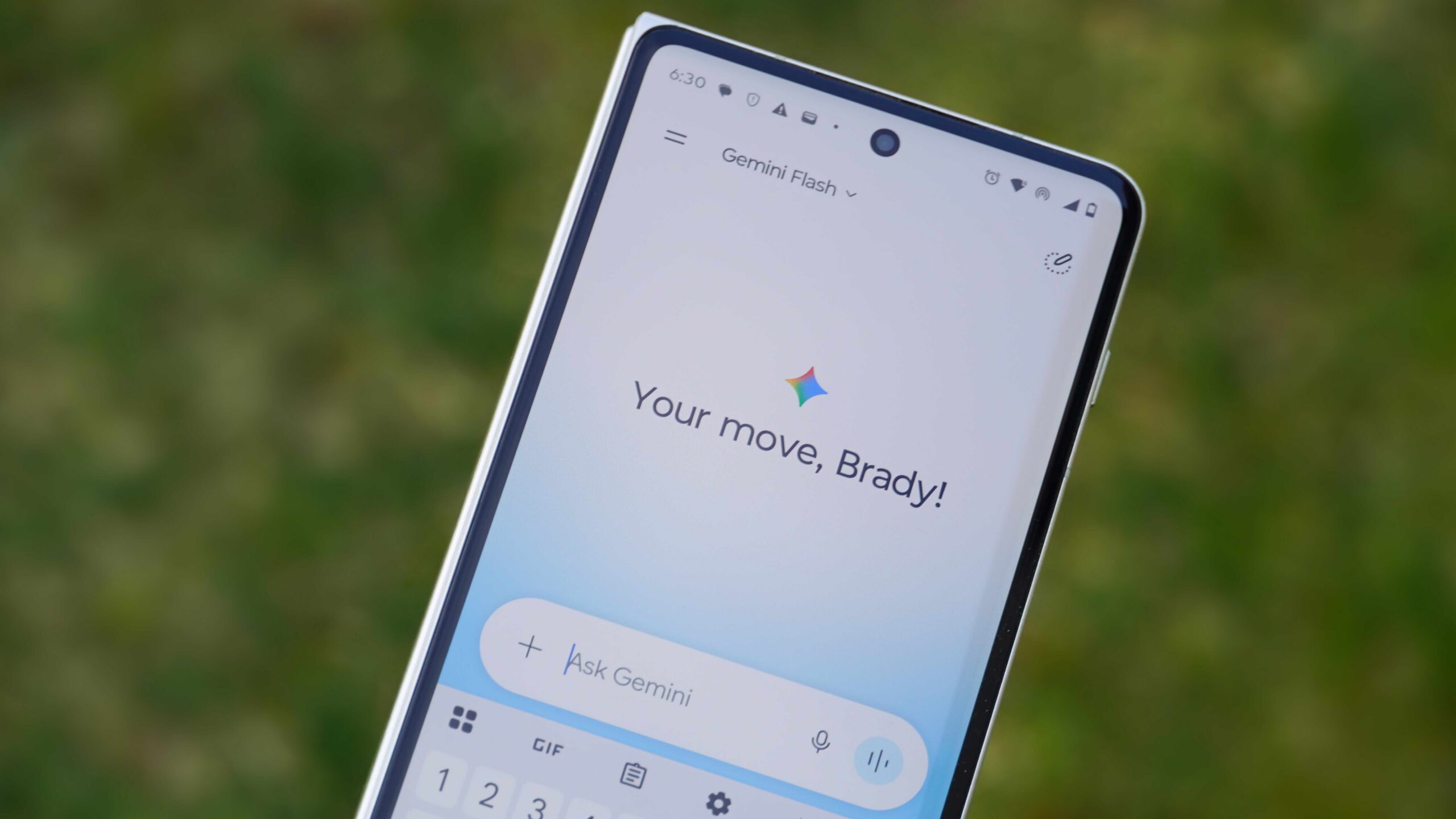
Numerous Google Gemini users are encountering a persistent “Error 1099,” which frequently locks them out of the artificial intelligence (AI) assistant across web and mobile platforms. Google has officially acknowledged this as a backend-specific issue, stemming from database performance problems and server-side conflicts, rather than user-side errors. The problem significantly impacts the user experience, especially on Pixel devices and during complex tasks, prompting Google to implement mitigations.
Widespread Disruptions Plague Gemini Experience
Users of Google's AI assistant, Gemini, are reporting widespread disruptions due to an error code, Error 1099, which frequently prevents access to the service on both web and Android devices. This issue, often manifesting as a “Something went wrong” message, has been a source of frustration for many, including those using Pixel phones and Google Workspace applications.
Backend Database Issues Identified by Google
Google officially confirmed a significant outage on June 10, 2026, where Error 1099 and a related Error 1076 were widely reported across various platforms, including web, macOS, iOS, Android, and Gemini in Chrome. Preliminary analysis by Google's engineering team revealed that the incident was triggered by a performance issue within their backend database. This problem specifically impacted the retrieval of the Gemini App's tools catalog, making it impossible for the AI to complete tasks. Engineers addressed the issue by optimizing load distribution across the backend database fleet. This aligns with broader efforts to integrate Gemini deeply across Google's ecosystem, including its role in replacing Google Assistant on mobile, Google Home, and Android Auto. For more information on Google's AI initiatives, visit the official Google Gemini website.
Error 1099: A Server-Side Session Conflict
Community experts and troubleshooting guides consistently describe Error 1099 as primarily a backend session conflict or a context overflow on the server side. This issue frequently arises during Gemini's “Analysis” phase, particularly when the AI is processing intricate tasks such as complex image edits or detailed file modifications. A Platinum Product Expert within the Google Support Community, a tier for seasoned volunteers who provide extensive help and feedback to Google, has indicated that Error 1099 signifies a problem on Google's end, not the user's. The error is thought to occur when there is a glitch in the authentication handshake between Gemini's servers and user devices, or when a conversation's context window is exceeded.
"From preliminary analysis, the issue was triggered by a performance issue in our backend database which impacted the retrieval of Gemini App tools catalog." — Google, Official Workspace Status Dashboard
The error is not limited to specific subscription tiers, affecting both free and paid users. Aamir Siddiqui, a recognized technology journalist, also reported encountering the error after inactive sessions or within NotebookLM chats, suggesting potential issues with long context handling. While official fixes are pending, users have explored several workarounds:
- Initiating a New Conversation: Starting a fresh chat can often bypass corrupted session tokens from previous interactions.
- Clearing Browser Data: Erasing browser cache and cookies can resolve session-based errors on web platforms.
- Re-authenticating Google Account: Logging out of all Google services and then logging back in can refresh authentication tokens.
- Using Incognito Mode: Accessing Gemini in a private or incognito browser window can help identify if browser extensions are causing conflicts.
- Submitting Detailed Feedback: Users are encouraged to send feedback directly to Google, including system logs, to aid engineering teams in tracing and resolving the backend failures.
What This Means
The recurring Error 1099 underscores the complexities of rolling out sophisticated AI systems like Gemini, especially as Google aims for deep integration across its vast product ecosystem. Persistent backend issues can erode user trust and hinder the seamless transition from established services like Google Assistant. For professionals and developers relying on Gemini for productivity, these disruptions translate directly into lost time and reduced efficiency. The need for robust, stable infrastructure is paramount for widespread AI adoption, highlighting the ongoing challenge for Google to ensure its AI assistant performs reliably across all platforms and use cases.
Key Points
- Google Gemini users are experiencing frequent lockouts due to "Error 1099" across web and mobile platforms.
- Google confirmed on June 10, 2026, that the error is a backend database performance issue impacting the AI's tools catalog.
- Community experts describe Error 1099 as a server-side session conflict or context overflow during Gemini's "Analysis" phase.
- The issue affects both free and paid Gemini users, including those on Pixel phones and within Google Workspace.
- Unofficial workarounds include starting new chats, clearing browser data, and re-authenticating Google accounts.
The Bottom Line
While Google has acknowledged and partially mitigated the backend issues causing Error 1099, the persistent nature of the problem indicates ongoing challenges in maintaining the stability of its advanced AI assistant. Users should continue to report issues through official channels, as detailed feedback, including system logs, is crucial for Google's engineering teams to pinpoint and resolve these complex server-side conflicts. The reliability of Gemini will be a critical factor in its success as Google pushes for its pervasive integration across its services, making consistent performance a key area to watch in the coming months.