
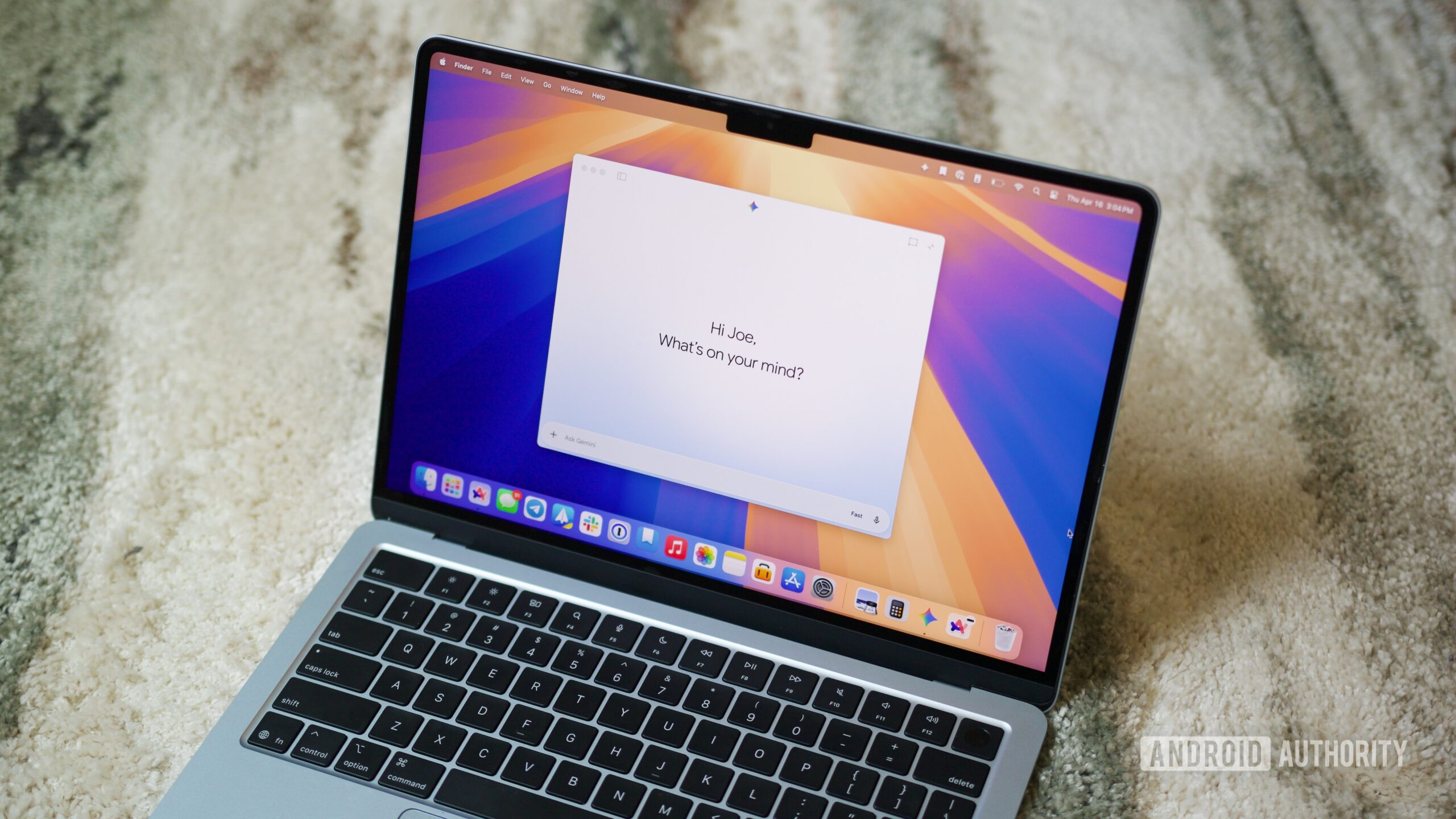
Google's AI agent, Gemini Spark, is now rolling out to the Gemini macOS app, enabling users to automate complex, repetitive desktop tasks such as file organization and spreadsheet creation. This significant update also introduces expanded integrations with Google Keep, Google Tasks, and various third-party applications like Canva and Dropbox, alongside the upcoming ability to remotely assign tasks to a Mac from a mobile device.
Google Expands AI Automation to Desktop
Google has launched Gemini Spark for its macOS application, bringing advanced artificial intelligence capabilities directly to the desktop environment. This move allows users to streamline time-consuming, multi-step workflows that typically require manual intervention, marking a notable evolution in personal AI assistance.
Spark's Evolution and Availability
Initially unveiled at Google I/O 2026 in May, Gemini Spark was introduced as a 24/7 personal AI agent designed to perform tasks autonomously. The agent first became available to Google AI Ultra subscribers in the United States across web, Android, and iOS platforms. The Gemini macOS app, which hosts Spark, was made available globally for macOS versions 15 and up in April 2026. Access to Gemini Spark on macOS is currently in beta, exclusively for Google AI Ultra subscribers aged 18 and over in supported regions, with the subscription costing at least $100 per month. For more details on Google's AI offerings, visit the official Google AI website.
Enhanced Capabilities and Integrations
The integration of Gemini Spark into the macOS app empowers users to automate a range of desktop operations. For instance, it can efficiently organize and rename dozens of photos based on criteria like location or date. Similarly, Spark can gather information from invoices saved on a Mac to construct a budget spreadsheet and even schedule recurring updates, all without requiring users to switch between multiple applications.
"Gemini Spark also connects your desktop and Google Workspace, so you can simply ask it to create a budget spreadsheet using the latest invoices saved to your computer, and create a schedule to update it regularly." — Google Blog
Beyond local file management, Gemini Spark is gaining significant connectivity:
- Google App Integration: It now works seamlessly with Google Keep and Google Tasks, allowing the AI to transform scattered notes into actionable task lists.
- Third-Party Connectivity: Integrations with popular services such as Canva, Dropbox, Instacart, OpenTable, and Zillow Rentals are rolling out. These will enable Spark to perform tasks like designing custom flyers or ordering groceries.
- Remote Task Execution: A forthcoming update will enable users to assign multi-step tasks to their Mac remotely from their phone, allowing Spark to execute workflows in the background while the user is away. This feature, internally codenamed "Robin," specifically targets Apple-silicon Macs.
- Real-time Monitoring: Spark can intelligently track specified topics and provide real-time alerts on events across various sources, including news, sports, finance, and social media.
What This Means
The expansion of Gemini Spark to macOS represents a strategic move by Google to embed its advanced AI capabilities deeper into everyday professional workflows. For developers and tech enthusiasts, this signifies a shift towards more autonomous, agentic AI systems that can interact directly with local files and applications. The ability to delegate complex, repetitive tasks to an AI agent could free up significant time, allowing professionals to focus on more creative and strategic work. The emphasis on privacy, with Spark only accessing explicitly permitted files, is crucial for user adoption and trust in these powerful new tools. This development also highlights Google's commitment to building a cross-platform AI ecosystem, particularly with the remote control features bridging Android and macOS devices. For further understanding of AI agents, refer to the Wikipedia page on intelligent agents.
Key Points
- Google's Gemini Spark is now available on the Gemini macOS app, automating desktop tasks.
- The AI agent integrates with Google Keep, Google Tasks, and third-party apps like Canva.
- Users can remotely assign multi-step tasks to their Mac from a mobile device.
- Privacy controls ensure Spark only accesses explicitly granted file permissions.
- Gemini Spark for macOS is currently in beta for Google AI Ultra subscribers.
The Bottom Line
Google's Gemini Spark on macOS is poised to transform how professionals manage their digital tasks, offering a powerful tool for automating routine desktop operations. With its expanding integrations and upcoming remote control features, Spark aims to be an indispensable AI partner. As this agentic AI continues to evolve, its ability to seamlessly handle complex workflows and proactively deliver information will be a key area to watch, particularly concerning its broader availability and the development of the Model Context Protocol (MCP) for wider third-party app support. For official announcements and updates, keep an eye on the Google Blog.