
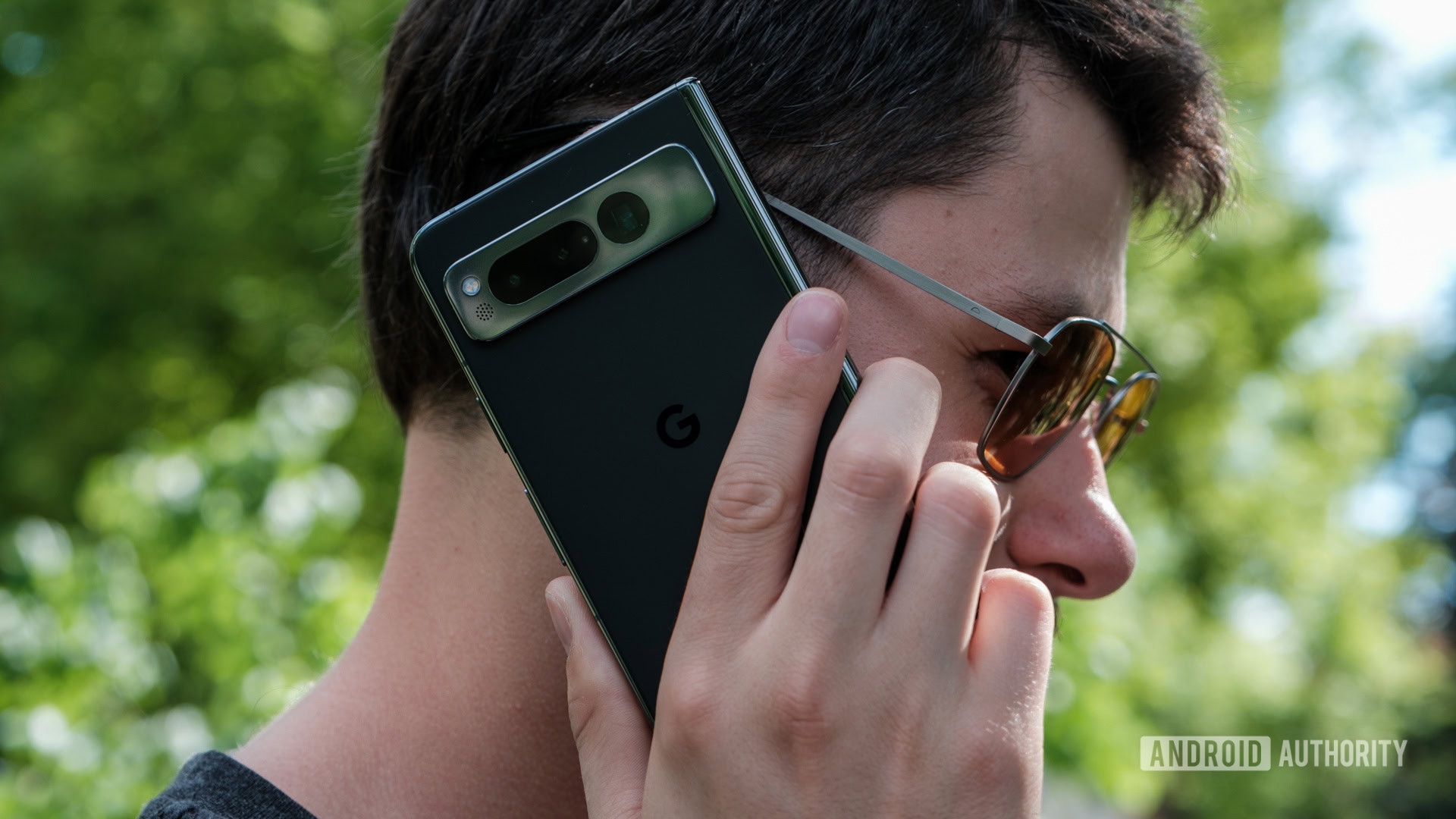
Google Pixel smartphone owners have reported a widespread issue where incoming calls fail to ring or notify them until the call has already disconnected. This significant bug, affecting various Pixel models, has prompted Google to confirm an active investigation into the problem. The incident highlights a broader trend of declining traditional voice call usage, with many users now relying on internet-based communication apps.
Pixel Call Glitch Frustrates Owners
Numerous Google Pixel smartphone users are experiencing a frustrating bug: their devices are not ringing for incoming calls. This issue means calls often go straight to voicemail without any notification to the user, leading to missed important communications. The problem has been reported across multiple Pixel generations, including the Pixel 6, 7, and 8 series.
Google Acknowledges Widespread Reporting
The missed call phenomenon has become a prominent discussion point among Pixel owners on various online forums and social media. Google has officially acknowledged the reports, stating they are actively investigating the root cause of the problem. A Google community specialist confirmed on January 15, 2024, that the company is aware of users experiencing issues with incoming calls not ringing on their Pixel devices. While a universal fix remains elusive, some temporary workarounds, such as disabling Wi-Fi calling or resetting network settings, have offered limited success for certain individuals. For more details on official support, visit Google's Pixel Phone Help Center.
Shifting Communication Habits
The Pixel call issue has inadvertently sparked a wider conversation about the role of traditional voice calls on modern smartphones. Many tech professionals and enthusiasts note a significant shift away from cellular voice calls towards internet-based communication platforms. For instance, a 2023 study by the Pew Research Center revealed that over 70% of smartphone users primarily engage with friends and family through messaging applications. Personal calls are increasingly routed through apps like WhatsApp, while professional interactions often occur via video conferencing or Voice over Internet Protocol (VoIP) services such as Zoom or Microsoft Teams. This trend contrasts sharply with early 2000s mobile phone usage, where direct cellular calls were the primary mode of immediate communication.
"We are aware of reports of some users experiencing issues with incoming calls not ringing on their Pixel devices and are actively investigating. We appreciate your patience as we work towards a resolution." — Google Community Specialist, Google Support Forum
Despite the growing reliance on app-based communication, millions still depend on their phone's cellular capabilities for crucial purposes. These include:
- Emergency services contact
- Business communications with clients or colleagues
- Personal calls with individuals less familiar with modern messaging apps
- Receiving essential notifications from service providers or financial institutions
What This Means
For Techpivo's audience of professionals and developers, this Pixel bug underscores the evolving landscape of mobile communication. While many have embraced data-driven alternatives, the fundamental reliability of a smartphone's core 'phone' function remains critical for a significant segment of users and for emergency situations. This incident highlights the importance of robust software quality control, even for features that some might consider secondary. It also prompts a re-evaluation of how users configure their devices, especially concerning notification settings and network preferences, to avoid missing vital calls.
Key Points
- Google Pixel phones, including Pixel 6, 7, and 8 series, are experiencing a bug causing incoming calls to not ring.
- Google confirmed on January 15, 2024, that it is actively investigating the widespread missed call reports.
- A 2023 Pew Research Center study indicates over 70% of smartphone users favor messaging apps over traditional voice calls for personal communication.
The Bottom Line
The ongoing Pixel missed call issue serves as a stark reminder that even as communication methods diversify, the reliability of basic phone functions remains paramount. While Google works towards a permanent fix, users are encouraged to monitor official updates and consider temporary workarounds. This situation emphasizes the continued need for dependable cellular voice services, despite the increasing dominance of internet-based communication platforms.