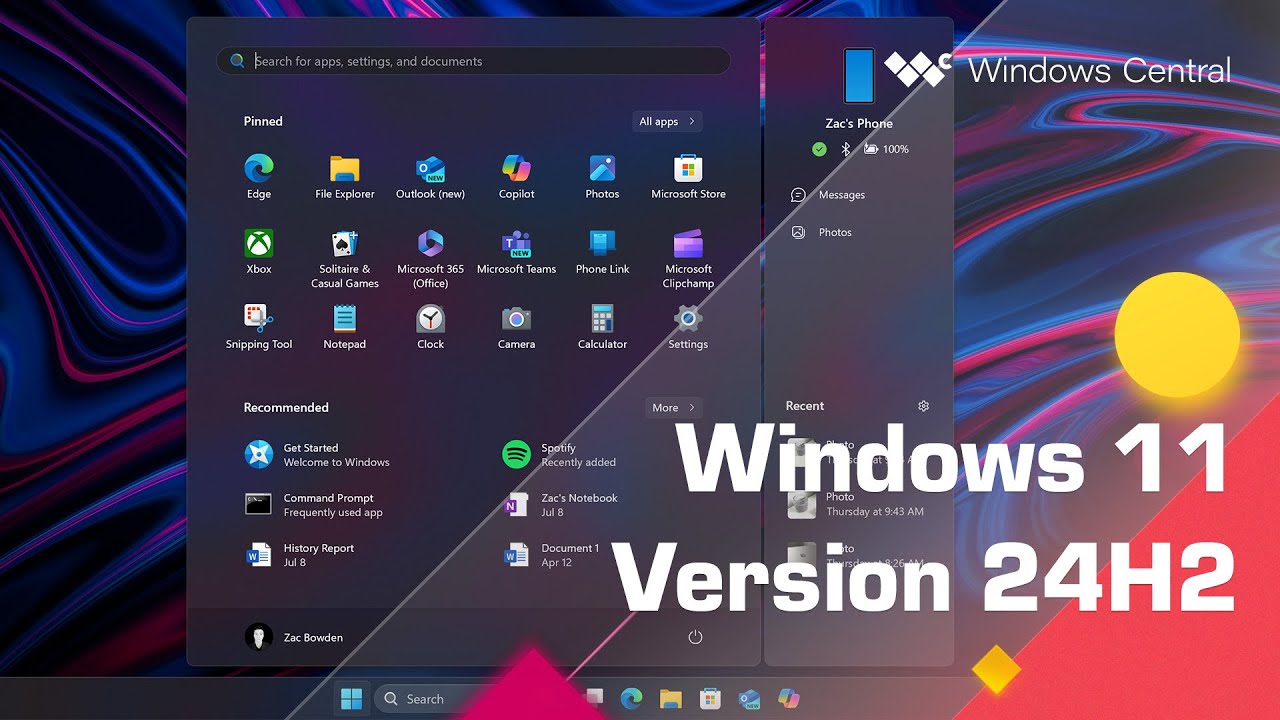
Microsoft has issued a key reminder to millions of users. Systems running Home and Pro editions of Windows 11, version 24H2, will reach their end of support on October 13, 2026. This deadline means that devices not updated by this date will stop getting security and non-security updates. They will also be open to new threats and lose official technical support. This guide covers Windows 11 24H2 Home and Pro reaching end of support in 2 months in detail.
Windows 11 24H2 Home and Pro reach end of support in 2 months: Why is This Deadline Critical for Windows Users?
The end of updates for Windows 11 24H2 Home and Pro editions on October 13, 2026, marks a key moment for individual users and small businesses. After this date, Microsoft will no longer provide monthly security patches, fixes for known issues, time zone updates, or any form of technical help for these versions. This lack of ongoing support is worrying from a security view, as new flaws are found all the time. Devices running without the latest security fixes become prime targets for malware, ransomware, and other attacks. These attacks can lead to data breaches, system crashes, and operational disruptions. Microsoft's lifecycle policy for Windows 11 Home and Pro editions usually gives 24 months of support from release. So timely upgrades are key to keeping a secure setup.

To stay protected and get the latest features, Microsoft urges users to upgrade to Windows 11, version 25H2, also called the Windows 11 2025 Update. This newer version became widely available in September 2024. It is delivered as a minor update through an enablement package for devices running Windows 11 24H2 Home and Pro. For devices not managed by IT departments, the upgrade to Windows 11 25H2 will happen on its own. But users can still pick when to restart their devices or delay the update to a more convenient time.
Checking for and starting the upgrade is a simple process. Users can go to Settings and select Windows Update. If their device meets the requirements and is ready for the update, an option to download and install will appear. It's worth noting that Windows 11 25H2, along with the next 26H2 release, shares the same base platform (codenamed Germanium) as 24H2. This means that while new features and surface changes are added, the core system stays much the same. The aim is a smoother transition for users.
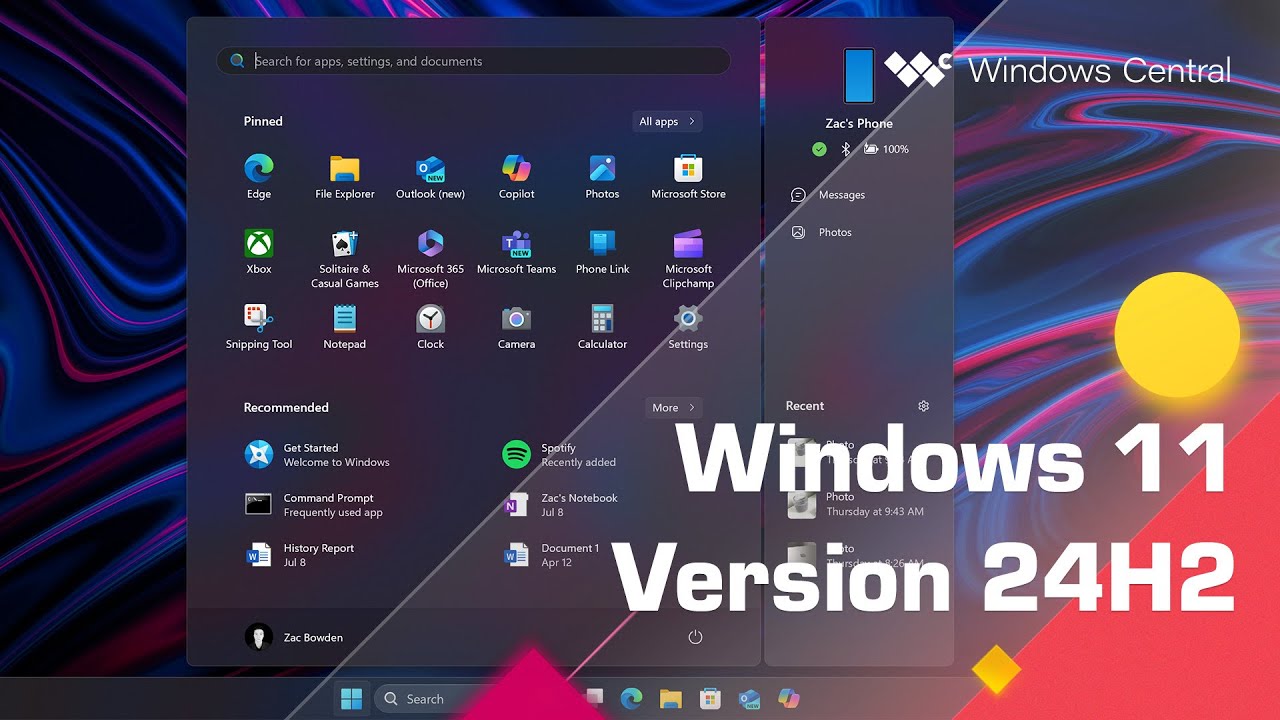
Understanding Microsoft's Broader Support Landscape
This coming deadline for Windows 11 24H2 Home and Pro editions is part of Microsoft's broader product lifecycle management. It includes both 'Modern Policy' for products that get continuous updates and 'Fixed Policy' with set end-of-support dates. While consumer versions of Windows 11 follow a fixed, shorter support window, other Microsoft products have different timelines. For example, Windows 11 24H2 Enterprise and Education editions get an extended support period. They will keep receiving updates until October 12, 2027.
In a related move, Microsoft recently extended the free Windows 10 Extended Security Updates (ESU) program for consumers by another year. The new end date is October 12, 2027. This extension is a lifeline for millions still on Windows 10 22H2 Home, Professional, Pro Education, and Workstations editions. It offers key security updates while they plan their move to Windows 11. Users already in the ESU program will keep getting coverage on their own. New users can sign up for free or via a one-time payment.
Similarly, Windows Server 2022 is also nearing its mainstream end-of-support date on October 13, 2026. After this, it will move to extended support, which will give security-only updates until October 14, 2031. Microsoft is telling administrators to plan upgrades to Windows Server 2025 to keep full mainstream support. These different timelines show why users and IT pros need to actively watch Microsoft's lifecycle policies for all their software.
What This Means for Tech Readers
For tech-savvy individuals, home users, and small to medium-sized businesses, the end of support for Windows 11 24H2 Home and Pro editions is a clear call to act. Running an unsupported version of Windows is a major security risk. Any new flaws will not be patched, leaving systems open. Beyond security, staying on an older version means missing out on performance gains, new features, and better support for modern hardware and software. Upgrading ahead of time keeps your system strong, fast, and safe from new threats. It also gives you access to Microsoft's technical support if any issues come up. This is a benefit you lose once a product reaches its end-of-life.
What's Next
The pattern of regular feature updates and set support lifecycles is a key part of Microsoft's strategy for Windows. Users should expect a steady cycle of updates, with new versions of Windows 11 released each year or twice a year. Each version comes with its own support timeline. The focus will stay on pushing users to adopt the latest versions to use gains in security, performance, and user experience. For those who can't upgrade their hardware to meet Windows 11 requirements, the Windows 10 ESU program is a short-term fix, but it is not a long-term answer. The future points to a more integrated and continuously updated setup, where staying current is not just about new features but a basic need for digital safety and smooth operations.
Related Resources
For more context, check our related article on Apple Calendar Gets an AI-Powered Overhaul in iOS 27 with Smart Event Details and Enhanced Siri Integration. Keep this reference handy whenever you work with Windows 11 24H2 Home and Pro reaching end of support in 2 months.